End an Interview in Chakra
Last updated: November 13, 2026
Chakra ends your interview after it completes the planned sections or when you choose to end it. After the interview ends, you cannot rejoin it.
Note: For instructions on taking an interview in Chakra, see 📄 Interview with Chakra.
Ending an interview
After Chakra covers all planned sections, it asks whether you are ready to end the interview. When you confirm verbally, Chakra ends the interview.
You can also end the interview at any time using either of the following methods:
Ask Chakra: Tell Chakra you want to end the interview. Confirm when it asks.
Use the End interview button:
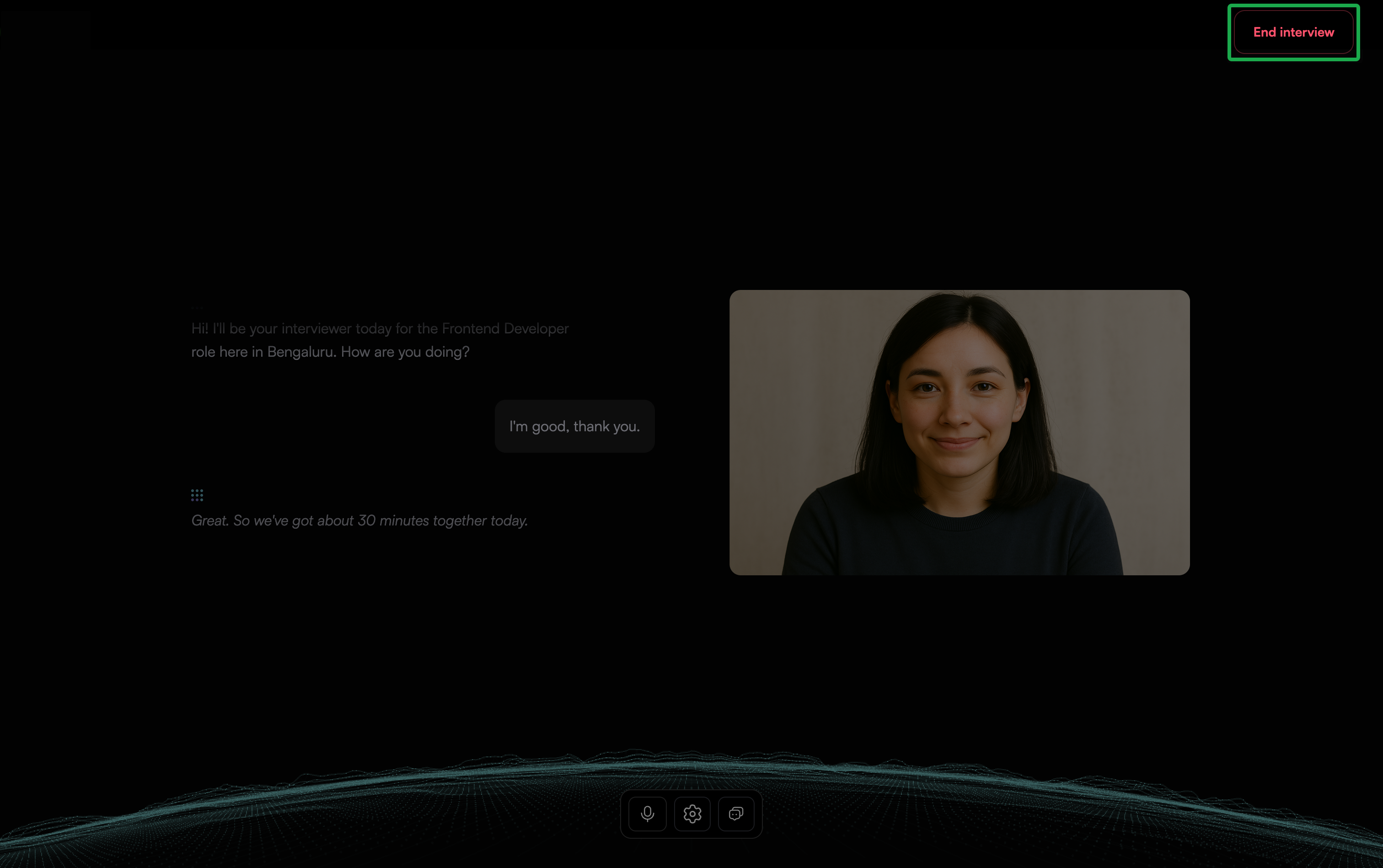
Click End interview in the upper-right corner of the interview screen.
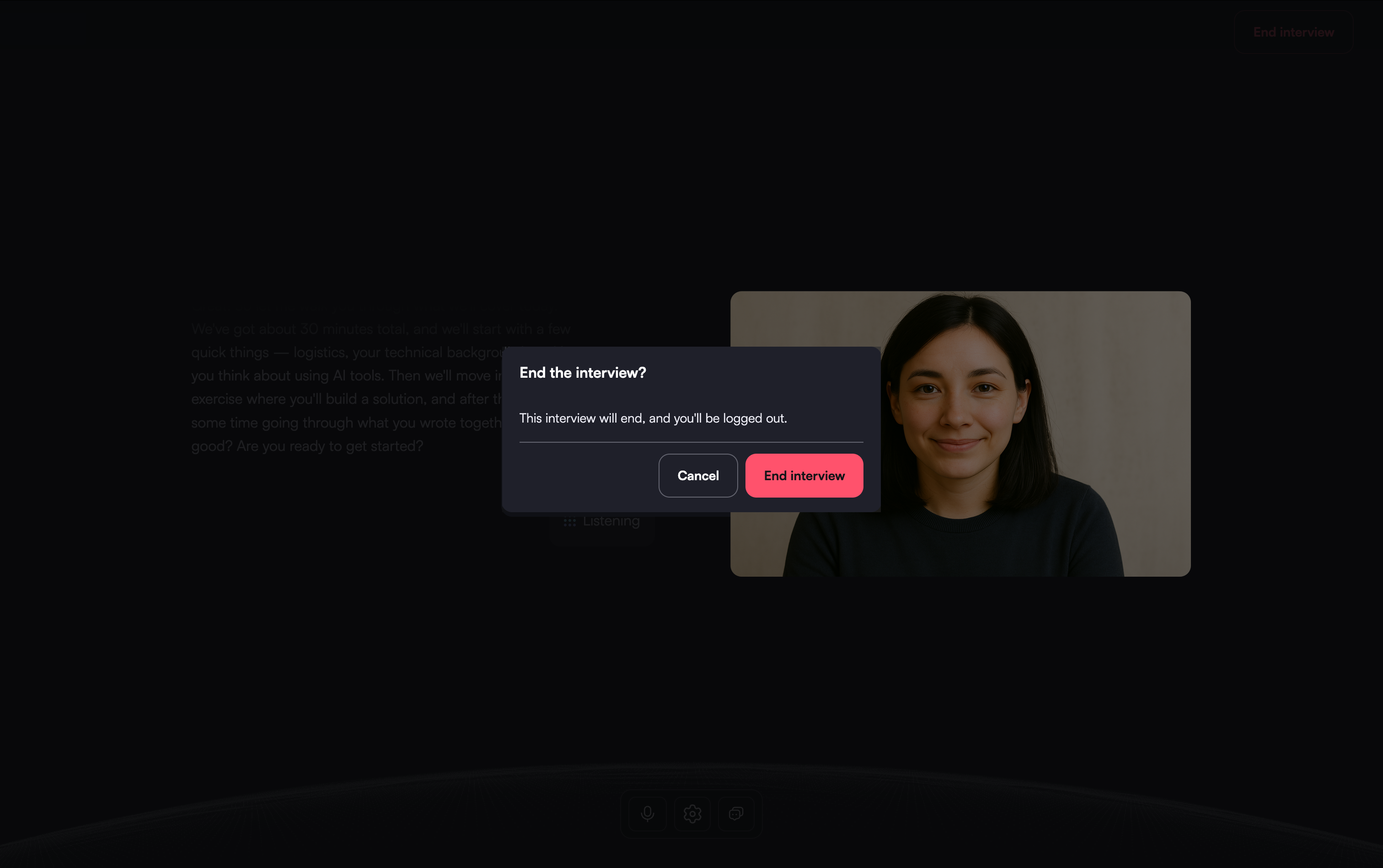
In the confirmation dialog, click End interview again.
Note: Complete all sections, including any hands-on section, before you end the interview.
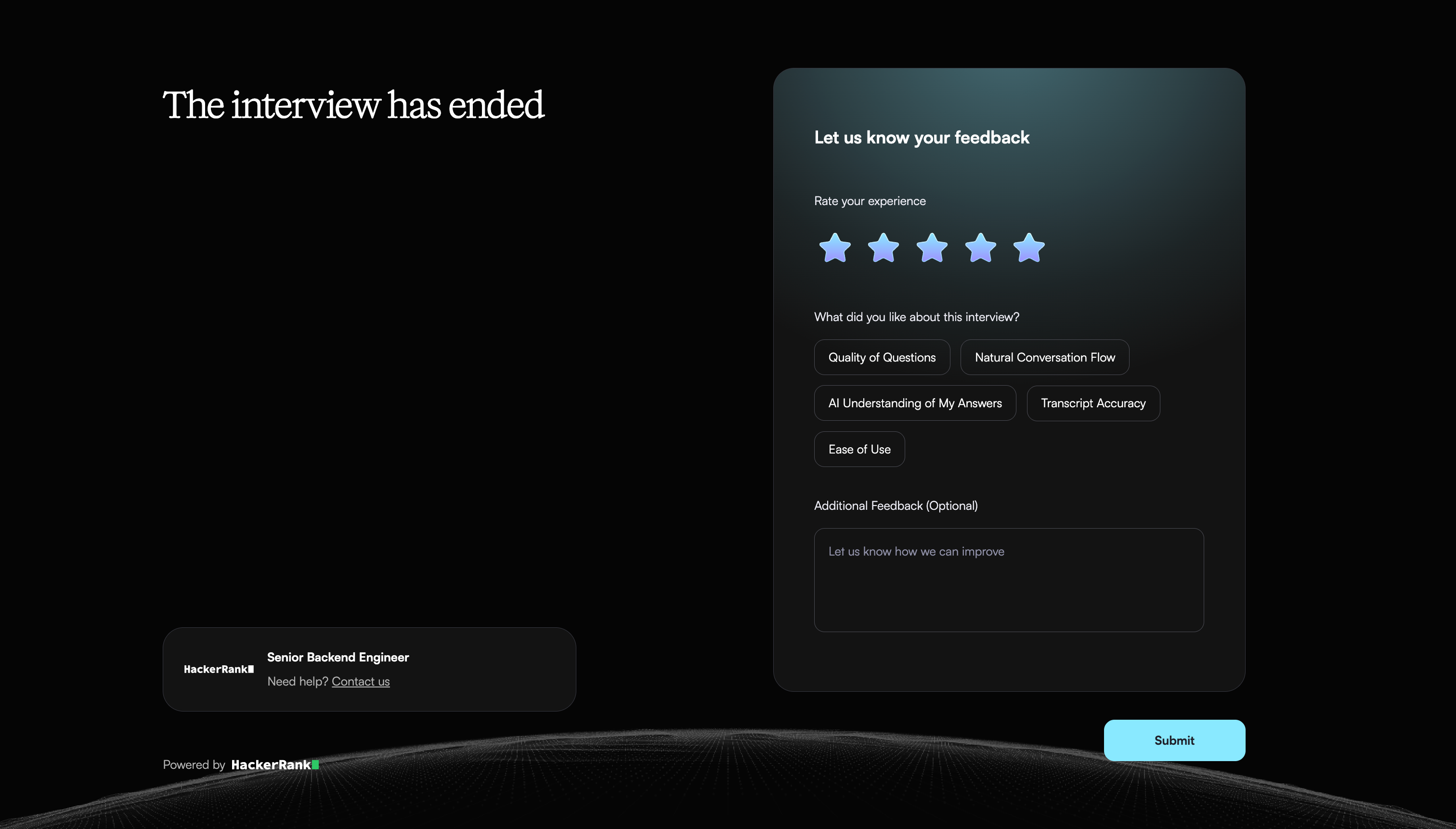
When the interview ends, Chakra opens the feedback page. This page confirms that your interview is complete.