Answer File Upload Questions
Last updated: October 14, 2025
File upload questions allow you to submit a single file as your solution in a HackerRank Test.
Answering file upload questions
To answer a file upload question:
Log in to your HackerRank test. For instructions, see Logging into HackerRank Tests.
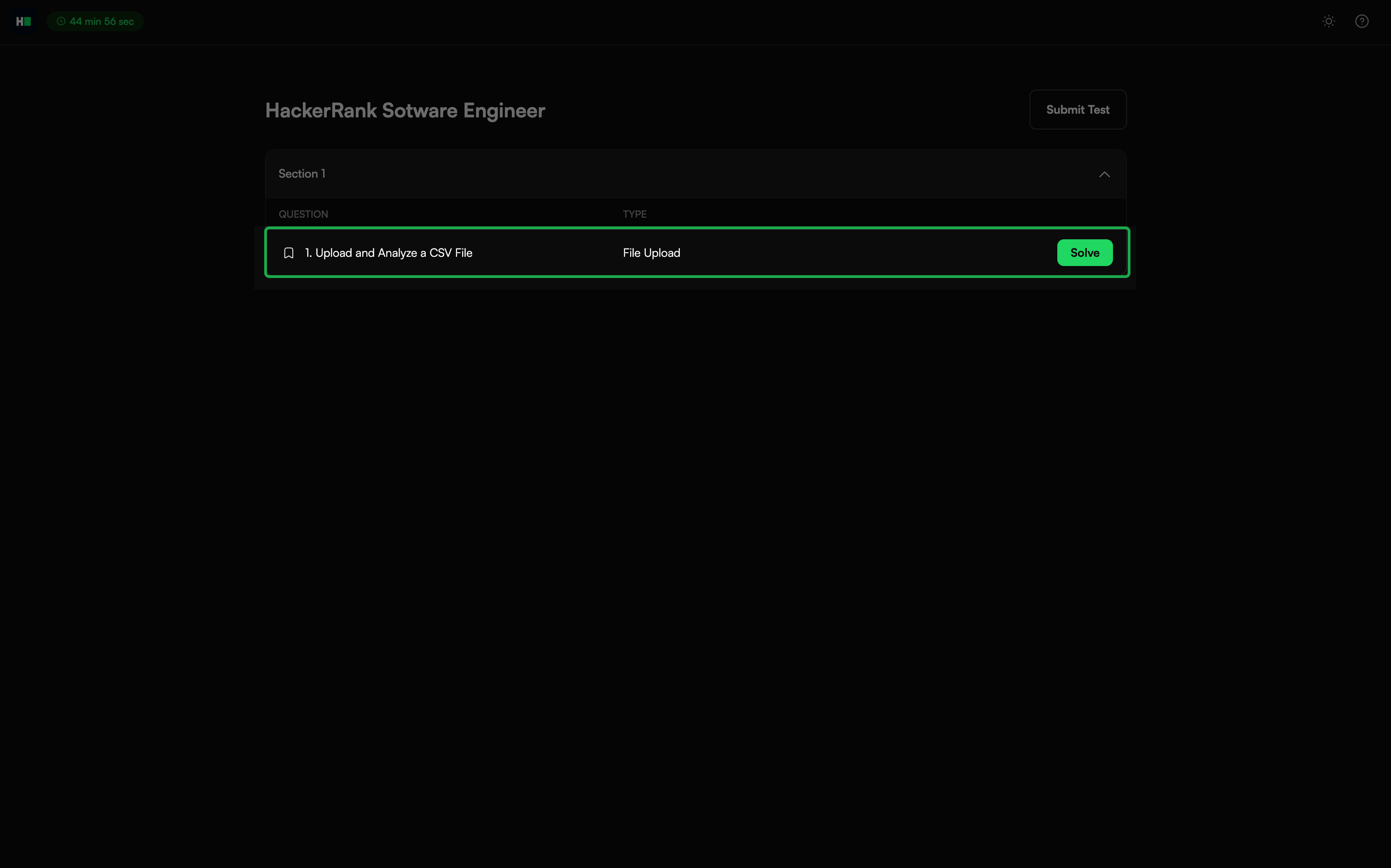
Select a File Upload question from the Test home and click Solve.
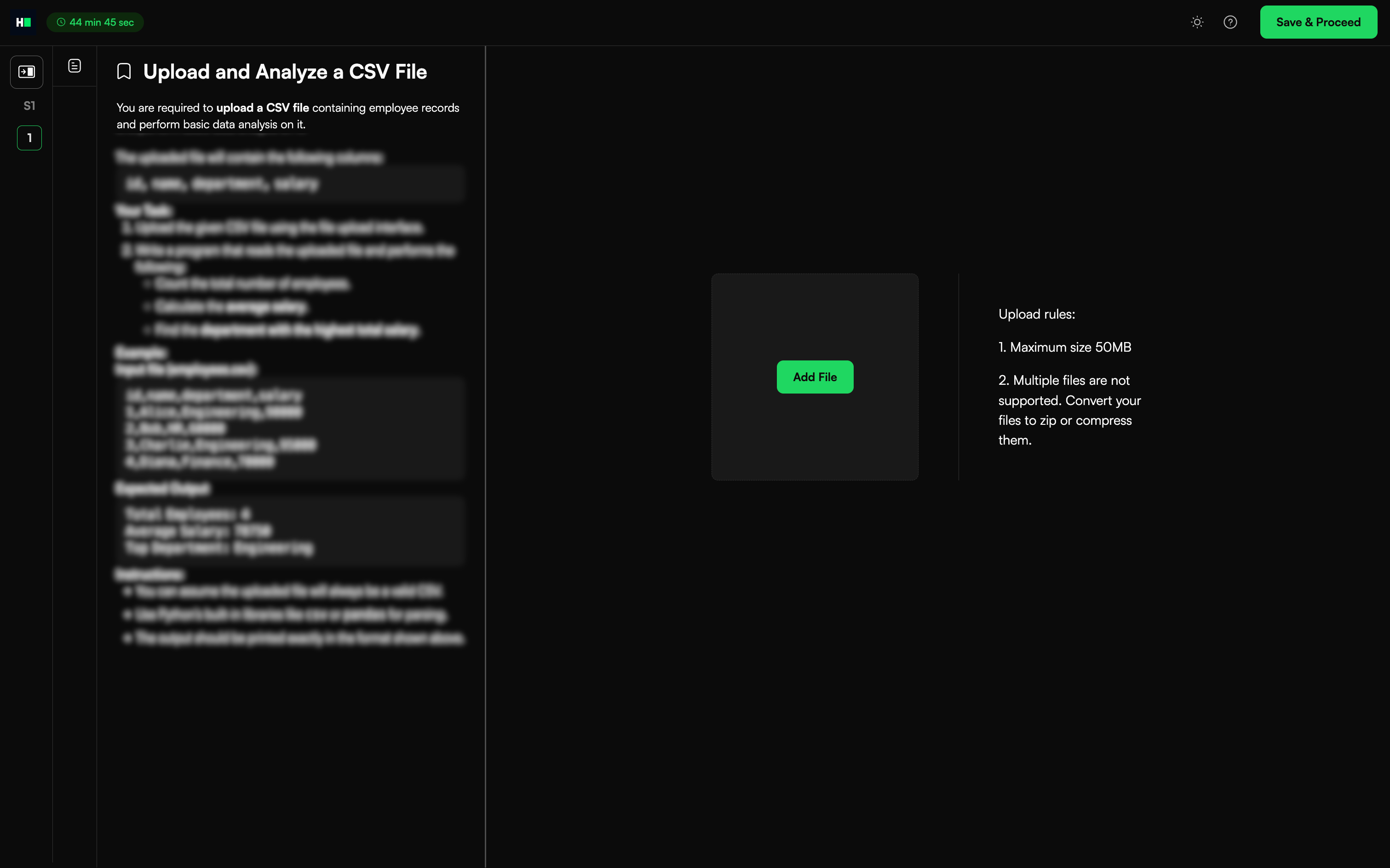
Review the problem statement to understand the requirements.
Click Add File to attach your solution file.
Note:
The file size must not exceed 50 MB.
Multiple files are not supported. If your solution contains multiple files, compress them into a single ZIP file before uploading.
Click Save and Proceed to submit your answer and move to the next question. If the test contains only one question, this action returns you to the Test home.
Click Submit Test after you complete all questions to finalize your submission.
Note: If you need to make changes before the test ends, click Modify to edit or replace your file.