Introduction to HackerRank Tests
Last updated: April 22, 2026
HackerRank Tests are online assessments that help companies evaluate your technical and coding skills for different roles. Depending on the role, your test may include questions on programming languages and frameworks, algorithms, data structures, multiple-choice questions, or other technical topics.
Try the Sample Test to get familiar with the platform.
Logging into HackerRank Tests
To log into a HackerRank Test:
Open your invitation email.
Click Start Test or the test link. The system redirects you to the test login page.
On the test login page:
View the test duration in the bottom-left corner of the screen.
Select the theme icon in the top-right corner to switch between light and dark mode.
Read the instructions carefully.
(Optional) Take the Sample Test to familiarize yourself with the HackerRank environment and tools.
Review the Test format section to understand the structure and number of questions.
Click Continue. A login dialog box appears.
Note: If your test includes project-based questions, select IDE Mode, and then click Continue to open the login dialog box. For the best experience, use the HackerRank IDE. If you prefer using your local environment, ensure you meet all the software requirements.
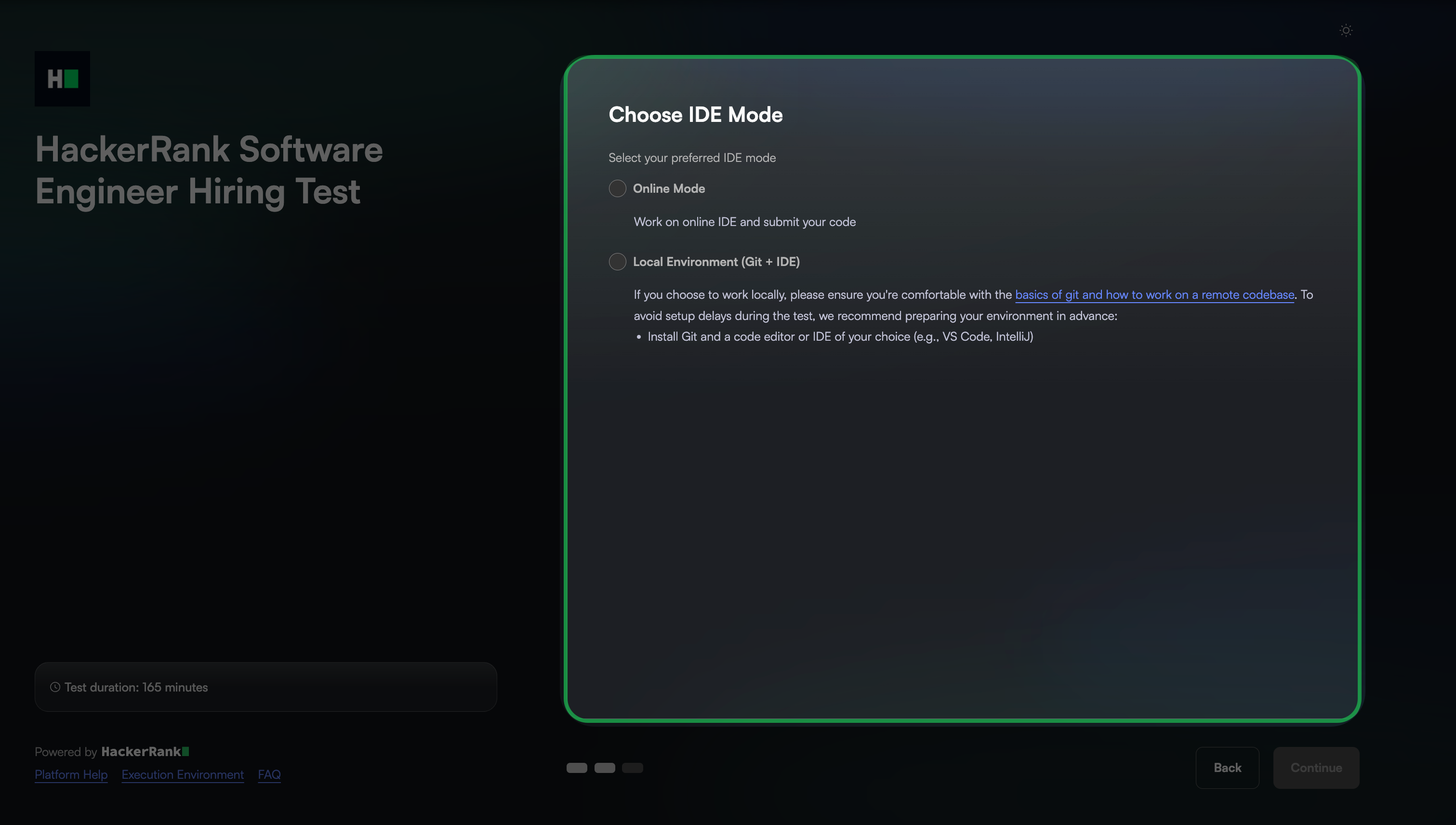
Log in with your credentials.
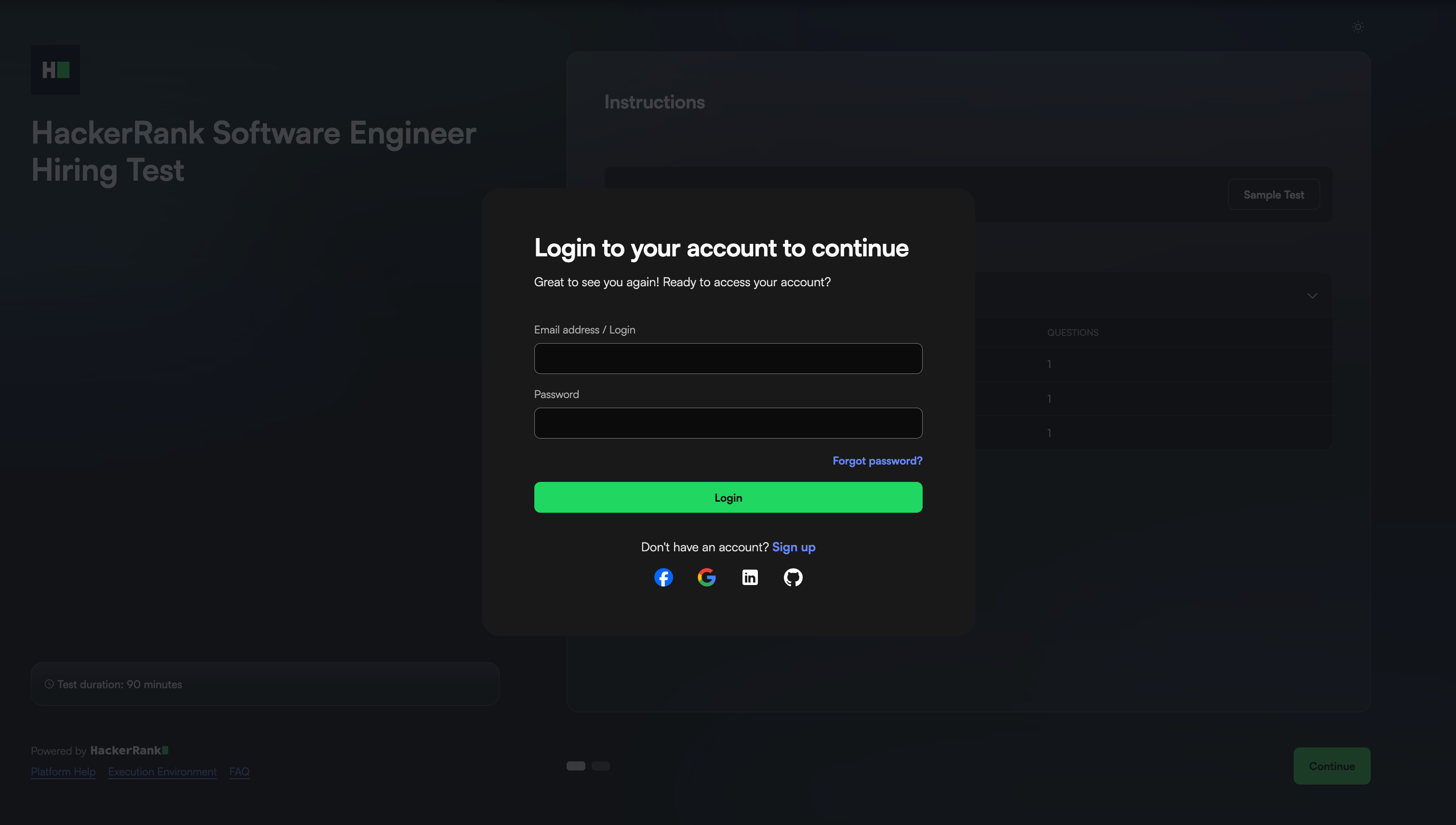
Note:
You can also log in with your Facebook, Google, LinkedIn, or GitHub account.
If you do not have a HackerRank account, click Sign Up to create one. For more information, see Create an Account.
Enter your details and select the required checkboxes to accept the Honor Code.
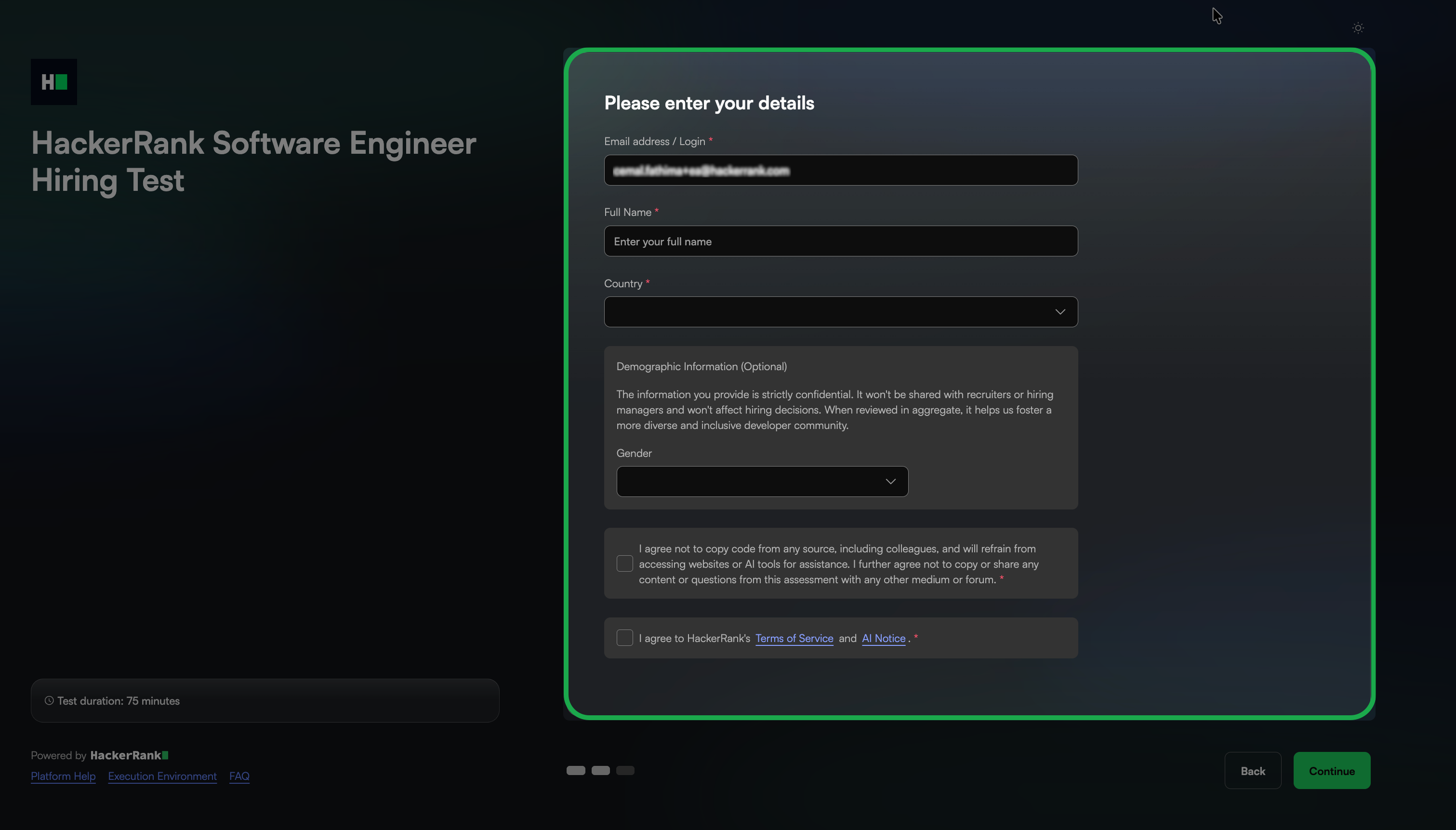
Click Start Test.
Note: The system may take a few seconds to set up the test environment for tests with project-based questions, such as Data Science, Front-end, Back-end, Full-Stack, Cloud, or DevOps questions.
Network requirement
Your network should meet the following conditions to ensure a smooth experience.