Answer Whiteboard Question
Last updated: January 28, 2026
You can use the whiteboard to present your solution visually during the assessment. You can draw diagrams, sketch flows, or organize ideas to support your explanation.
Answering a whiteboard question
To answer a whiteboard question:
Log in to your HackerRank test. For instructions, see Logging into HackerRank Tests.
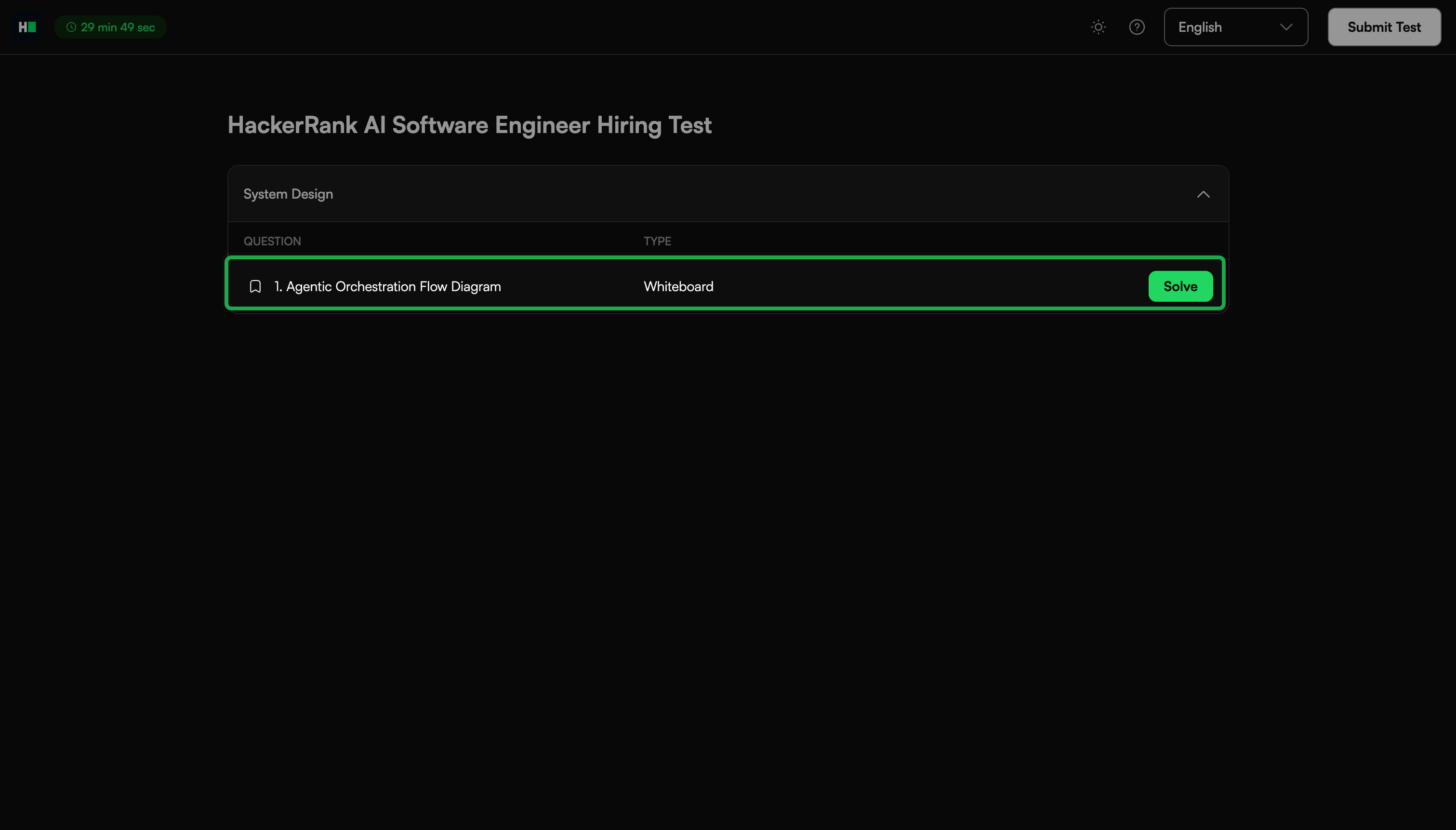
Select a whiteboard question from the Test home and click Solve.
Review the problem statement to understand the requirements.
Solve the problem on the whiteboard using the components and tools in the toolbar.
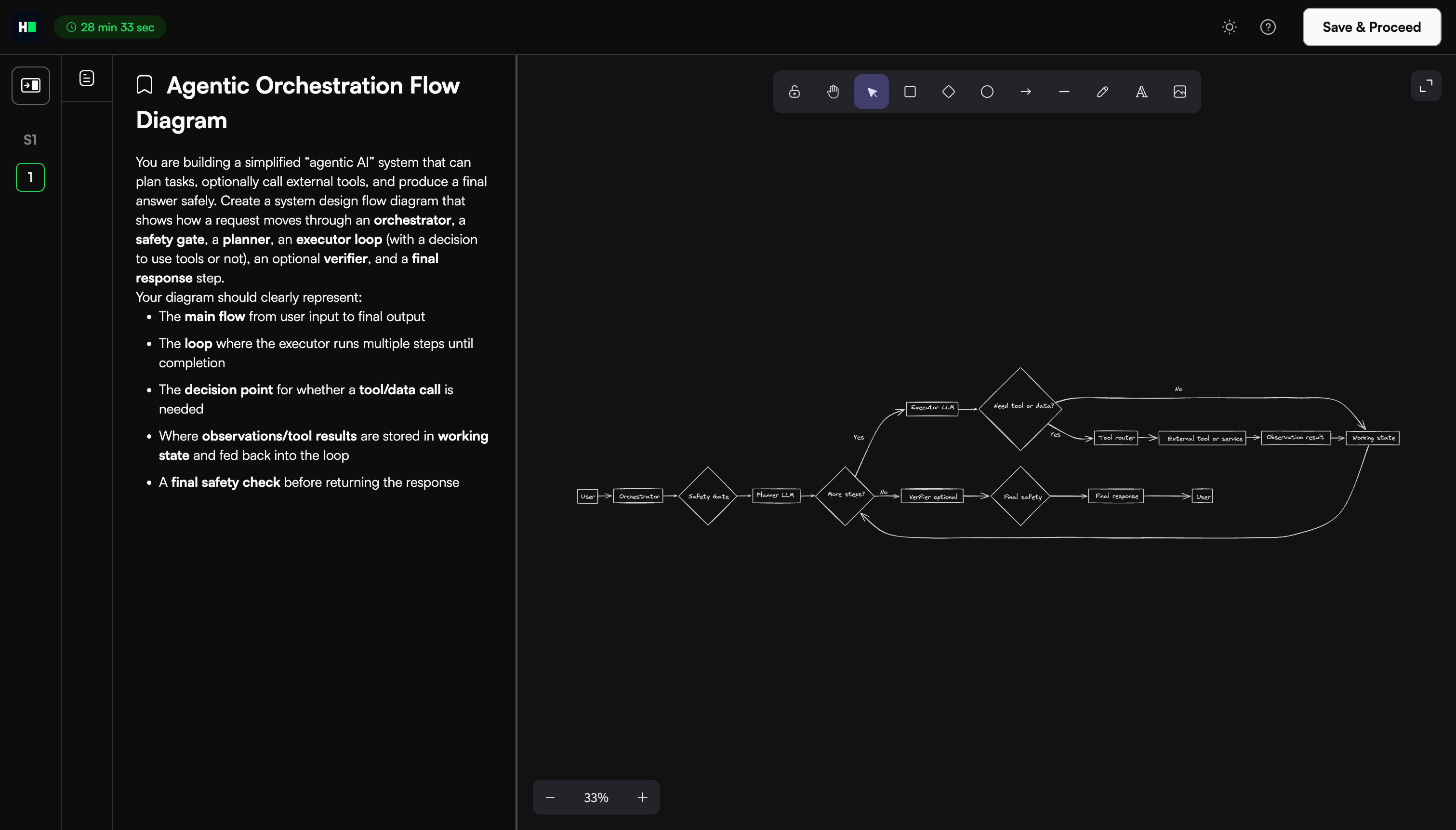
For more information, see Whiteboard components and tools.
Click Save and Proceed to save your answer and move to the next question. If the test contains only one question, this action returns you to the Test home.
Click Submit Test after you complete all questions to finalize your submission.
Note: If you need to make changes before the test ends, click Modify to edit your response.
Whiteboard components and tools
The virtual whiteboard includes the following components and tools.
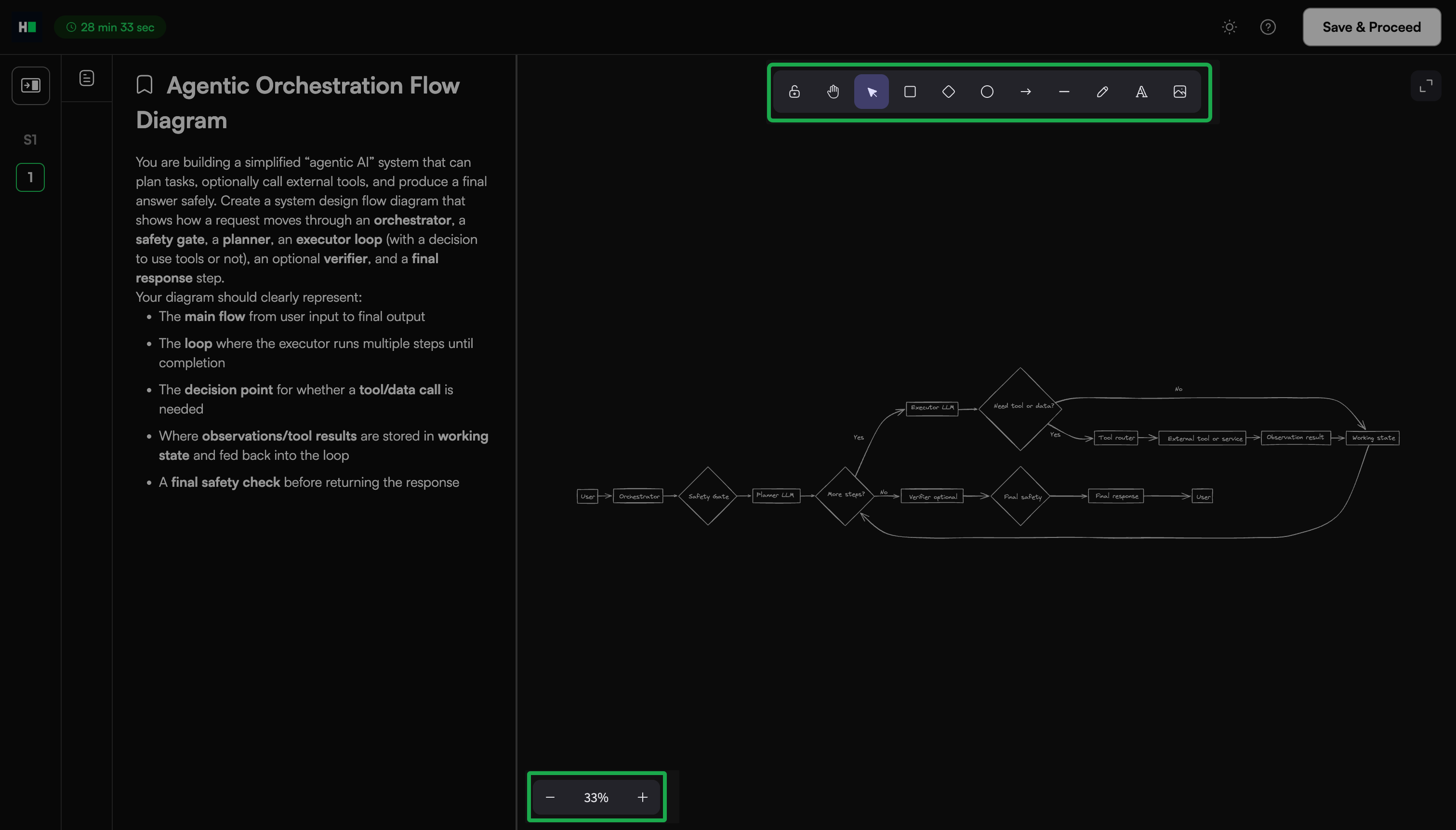
Canvas controls
Sketch and annotate without space limitations.
Scroll through the canvas to continue drawing seamlessly.
Use the + and – icons in the bottom-left corner to zoom in and out.
Drawing tools: The toolbar at the top of the whiteboard includes:
Selection tool: Select and move shapes or drawings. Drag handles around shapes to resize selected shapes. Press the Delete key on your keyboard to remove selected elements.
Shapes library: Insert common shapes such as squares, diamonds, and circles.
Arrow tool: Add directional arrows to diagrams.
Line tool: Draw straight lines for connections or boundaries.
Pen tool: Draw freehand sketches.
Text tool (A): Add labels, notes, or annotations.
Image upload icon: Insert predefined architecture diagrams and images to avoid redrawing company-specific architectures.