Answer DevOps Questions
Last updated: October 14, 2025
DevOps questions in HackerRank Tests assess your proficiency with Linux-based tasks. When you attempt one of these questions, the platform launches a sandboxed Linux virtual machine (VM) that you can access remotely.
You may be asked to perform tasks such as installing a package, creating a file with specific contents, or using command-line tools such as grep. The test interface automatically provisions the required environment.
This article explains how to answer a DevOps question in a HackerRank Test.
Answering a DevOps question
To answer a DevOps question:
Log in to your HackerRank test. For instructions, see Logging into HackerRank Tests.
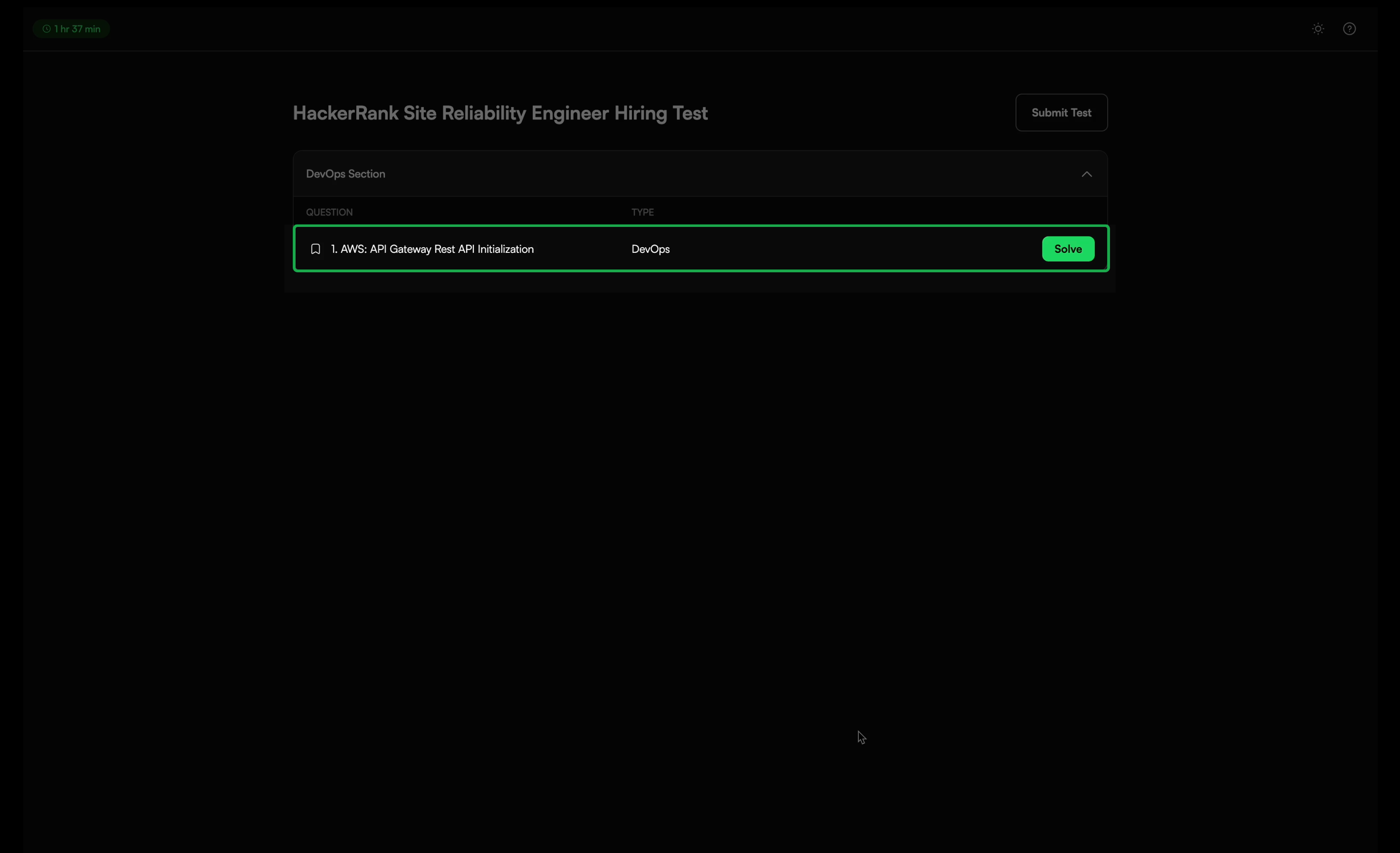
Select the DevOps question you want to solve from the Test home.
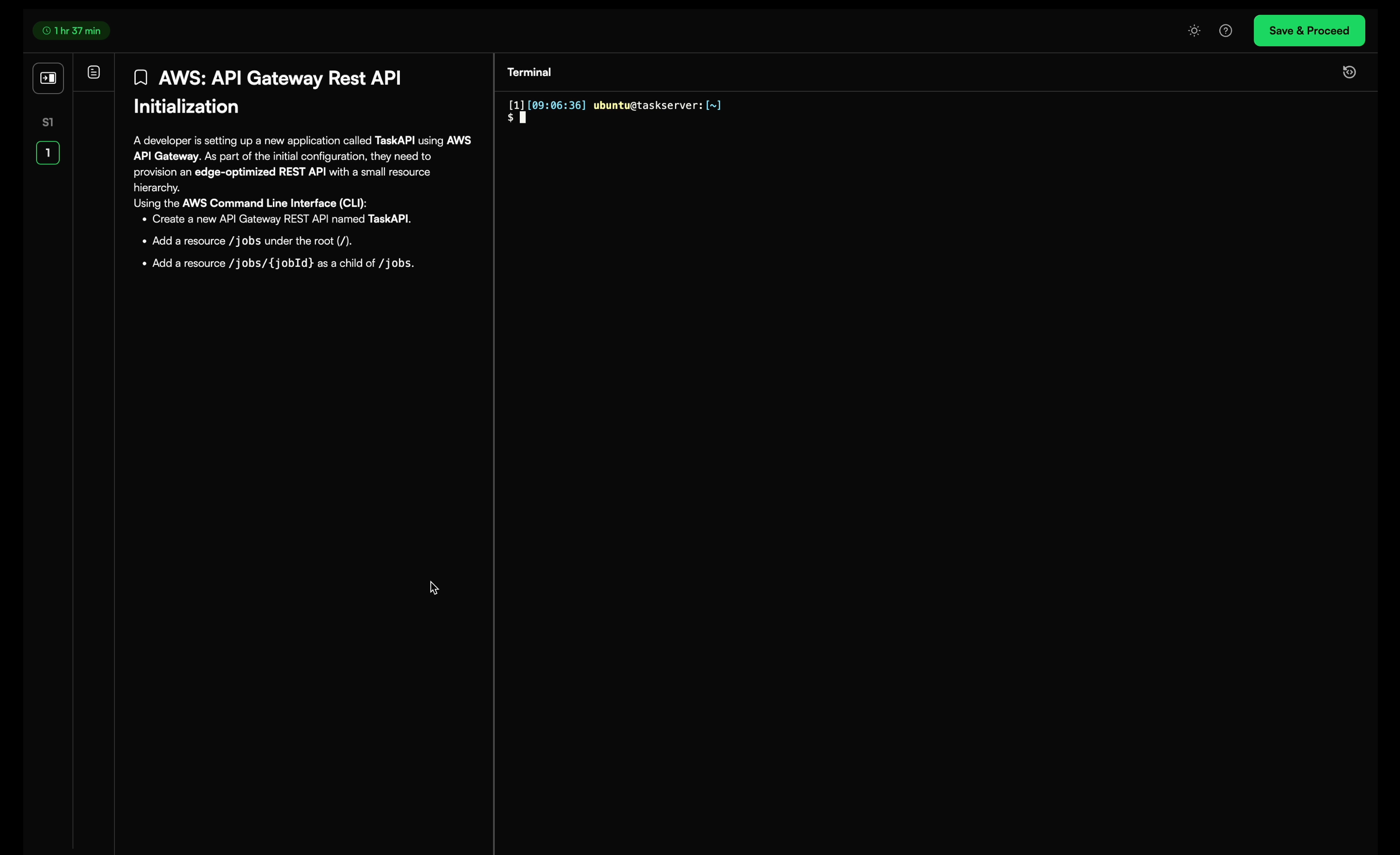
Click Solve to open the question. The question description appears on the left panel, and a Linux terminal opens on the right panel.
Use the terminal to perform the tasks described in the question.
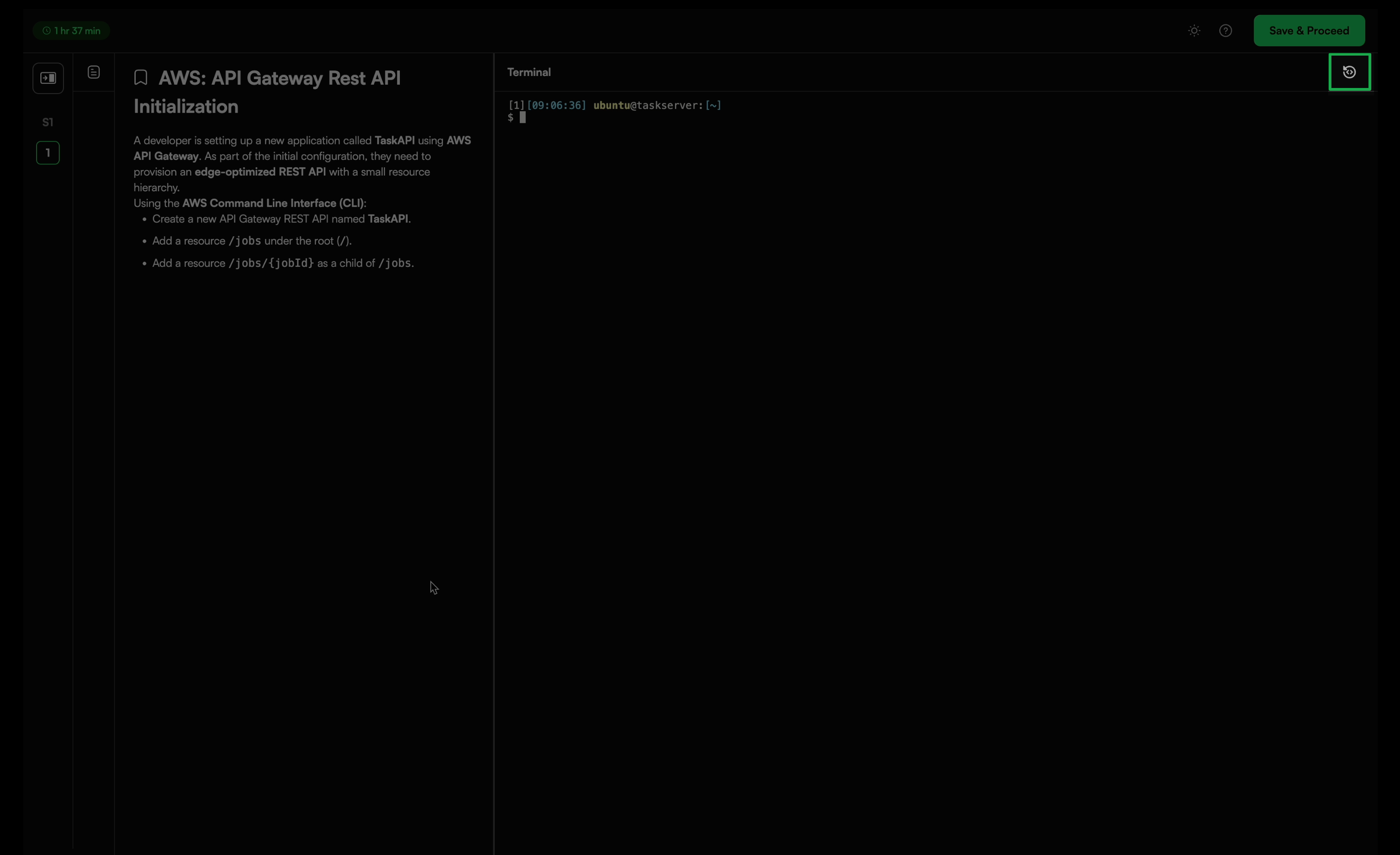
(Optional) Click the reset icon at the top right of the screen if you encounter technical issues or an unexpected interruption.
Click Save and Proceed to save your answer and move to the next question. If the test contains only one question, this action returns you to the Test home.
Click Submit Test after you complete all questions to finalize your submission.
Note: Note: If you need to make changes before the test ends, click Modify to edit or replace your file.