Answer Multiple-choice Questions
Last updated: December 30, 2025
Multiple-choice questions require you to select one or more correct answers from a list of options.
Answering a multiple-choice question
To answer a multiple-choice question:
Log in to your HackerRank test. For instructions, see Logging into HackerRank Tests.
Select the multiple-choice question you want to solve from the Test home.
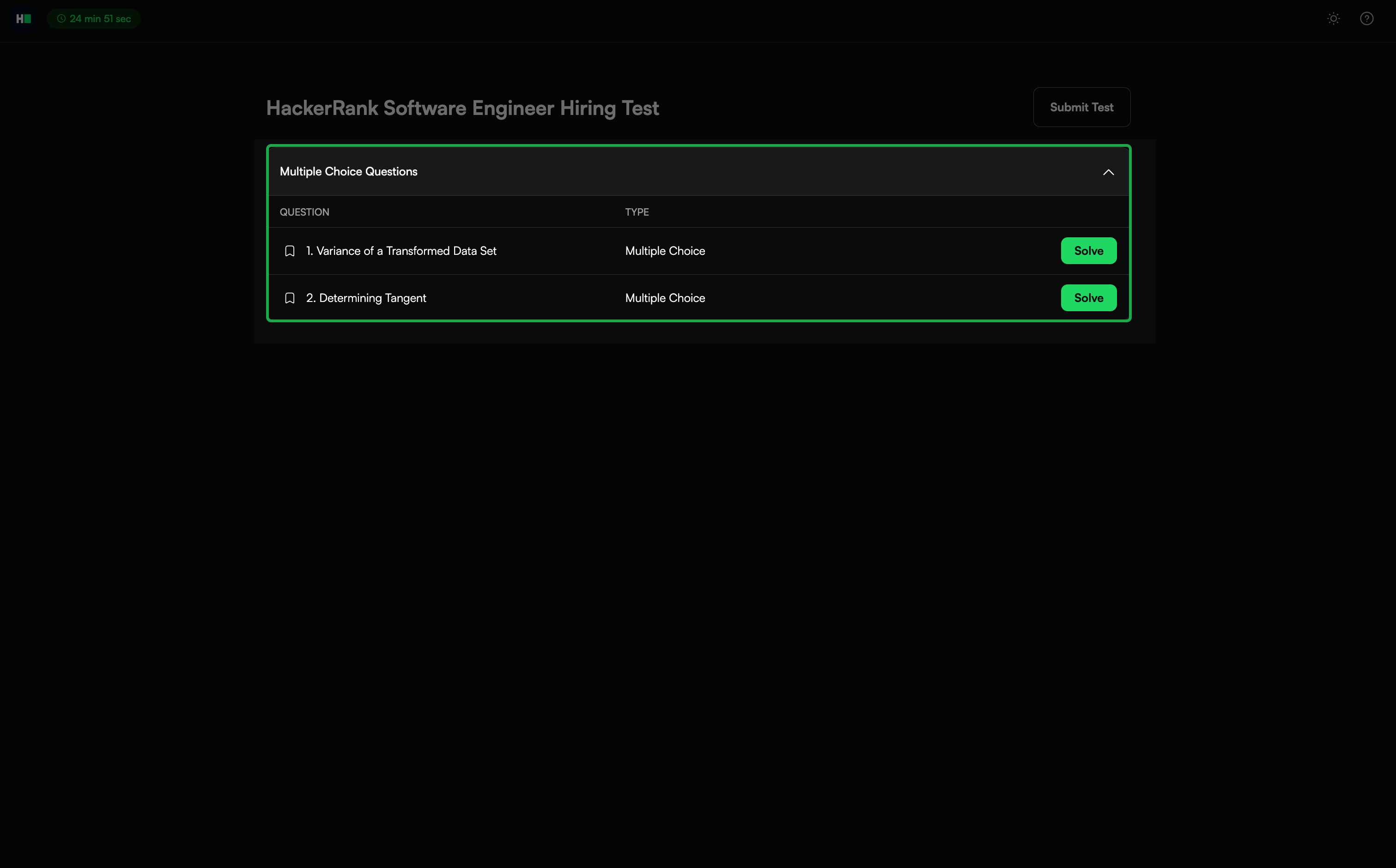
Click Solve to open the question.
Review the problem statement.
Select the correct answer(s) from the options in the right panel.
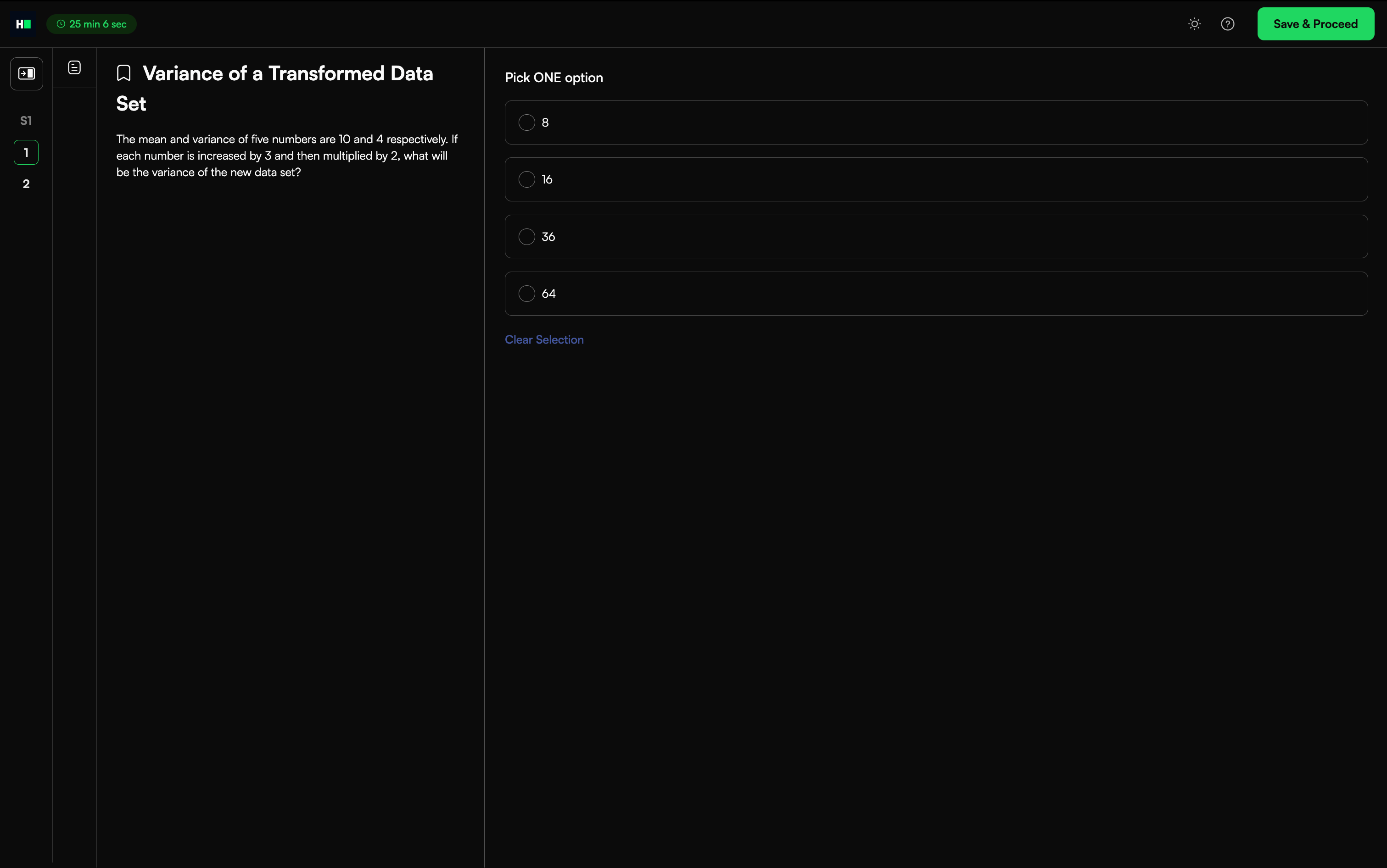
Note: You can clear your selection by deselecting the option or by selecting Clear Selection.
Click Save & Proceed to save your answer and move to the next question. If the test contains only one question, this action returns you to the Test home.
Click Submit Test after you complete all questions to finalize your submission.
Note:
To edit your response before the test ends, click Modify.
Some tests may include negative marking. Review your answers carefully before submitting.