Answering HTML/CSS/JavaScript based Questions
Last updated: May 2, 2025
Overview
HackerRank tests support the HTML/CSS/JavaScript questions which are designed to assess candidates' website coding and designing skills. These questions are included in HackerRank Tests for Front-end development roles that involve building dynamic and interactive websites with essential web development skills.
For example, you would be required to design an online shopping cart page with a given set of specifications for the website look-and-feel, accessibility options, and navigation.
In your HackerRank tests, an HTML/CSS/JavaScript Question typically includes a project structure defined by the test setter, and you will be expected to build your web pages on top of it. Some Questions may not include any website project and may require coding for a web page. While answering these questions, click Render to quickly test how your code displays as web pages in a browser.
Answering HTML/CSS/JavaScript based Questions
Here is a quick video to get you started with the Answering HTML/CSS/Javascript Questions workflow.
Or, if you prefer to follow directions, here are the steps for your ready reference.
Steps
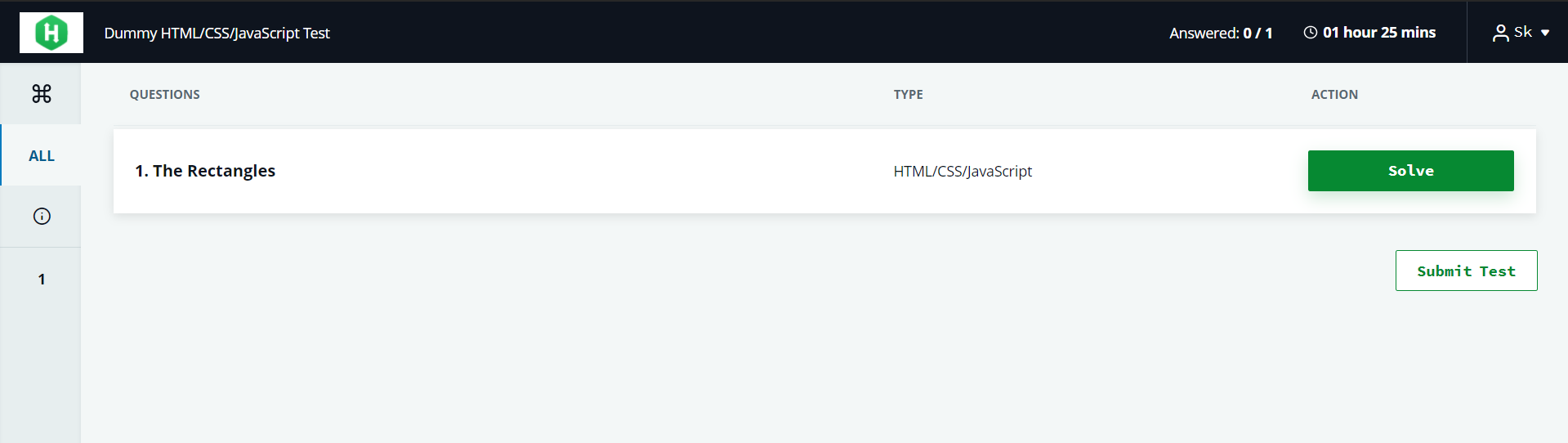
In your test, you can see the question type. Look for the HTML/CSS/JavaScript question and click on Solve to launch that question.
Read the problem statement carefully and understand the specifications for the web pages you are expected to develop. If the test setter has already set up a website project, use the code editor and write your HTML, JSS, and CSS code in the relevant project files.
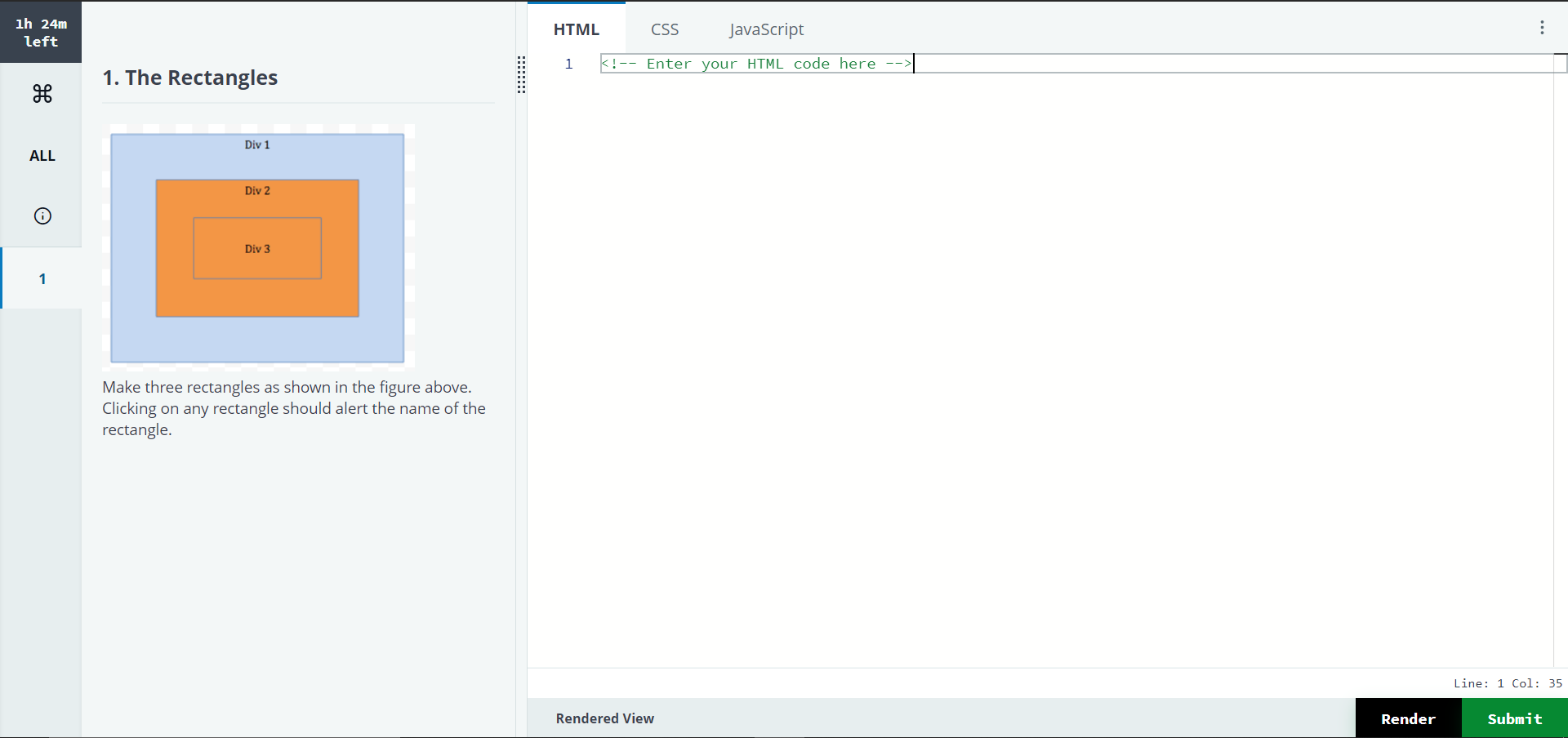
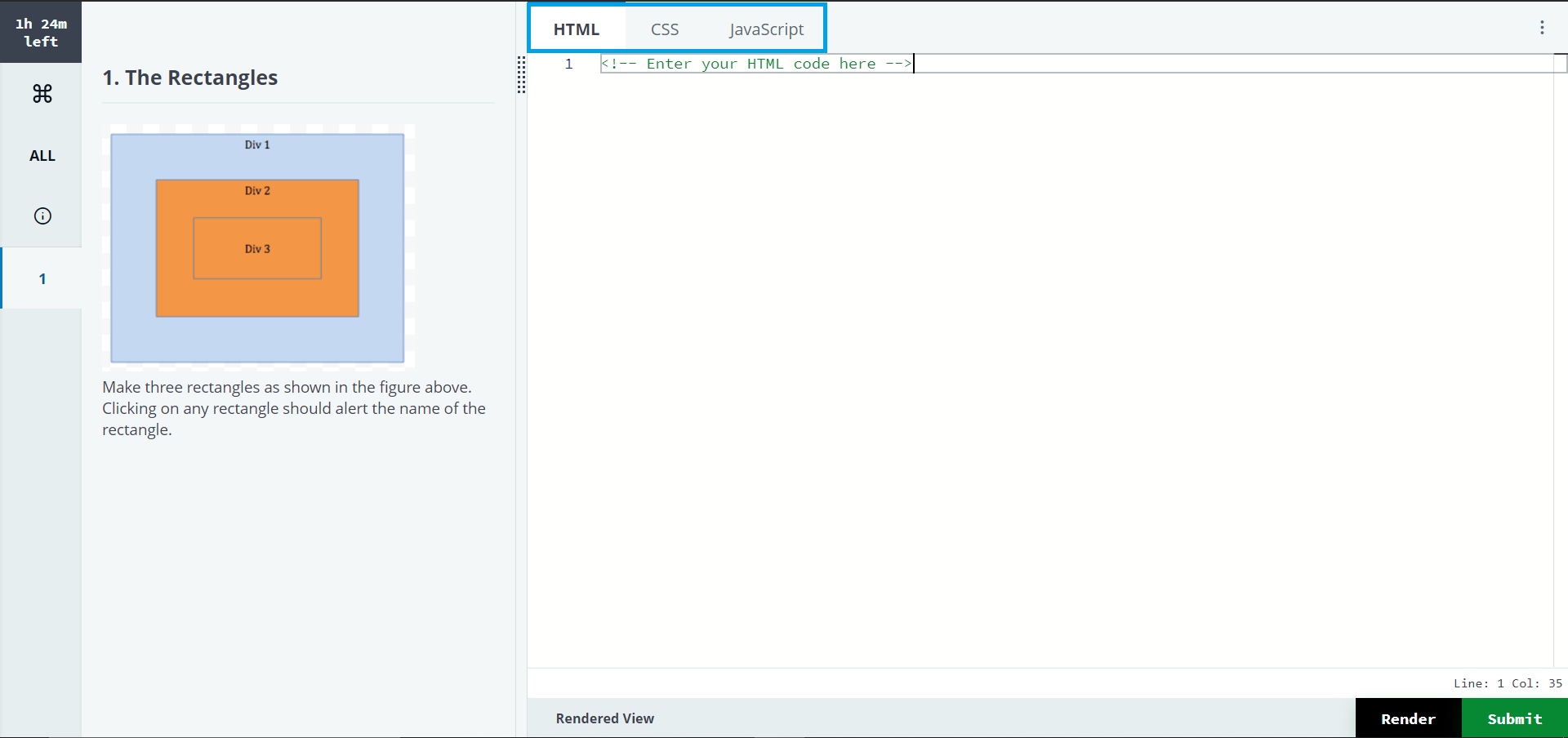
If the question does not include a project, write your code using the editor in three separate tabs provided for HTML, CSS, and JavaScript.
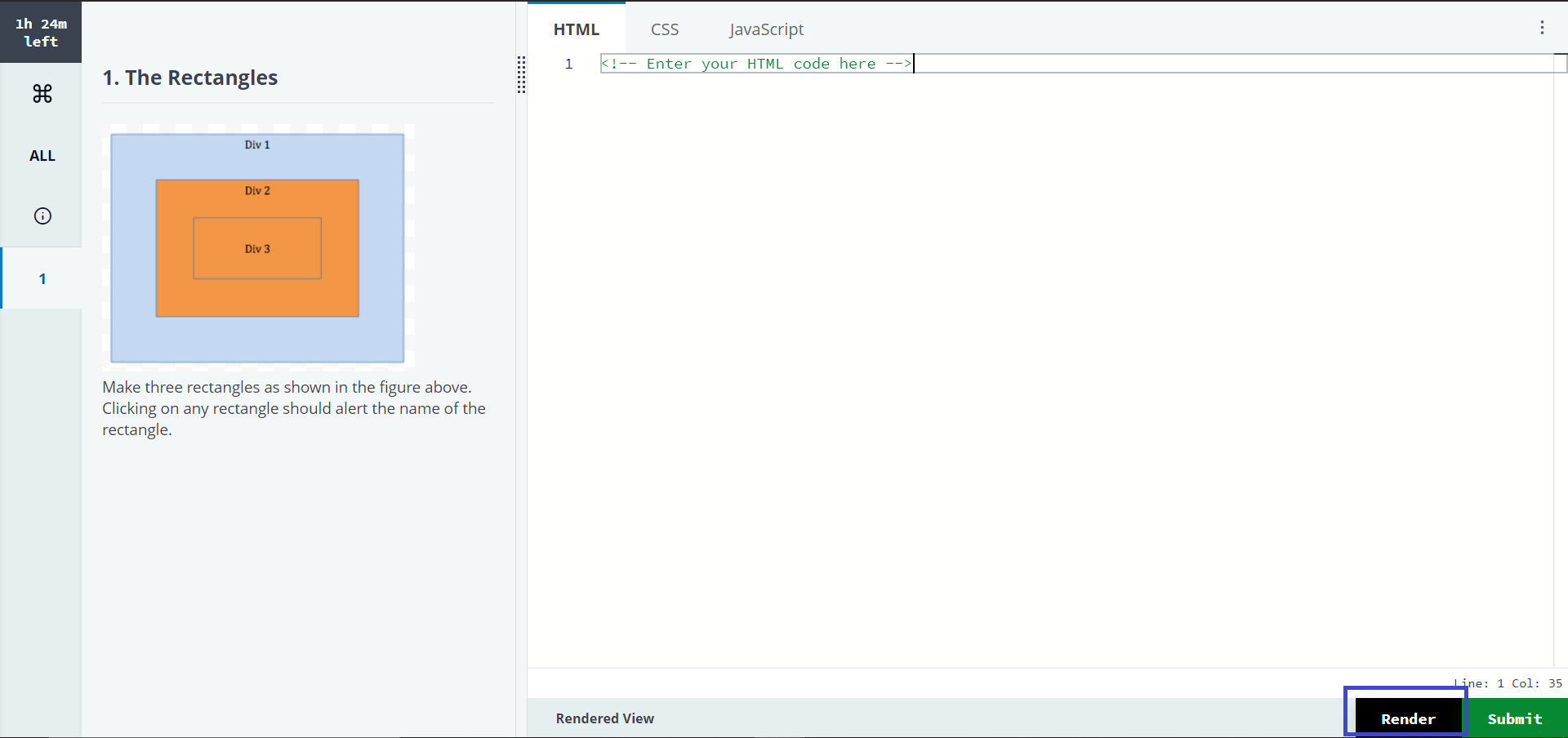
Click Render to test how your code renders in a browser.
You can check the Rendered View of your code by clicking on Rendered View. You can also view that in a new tab by clicking the new tab icon, as shown below.
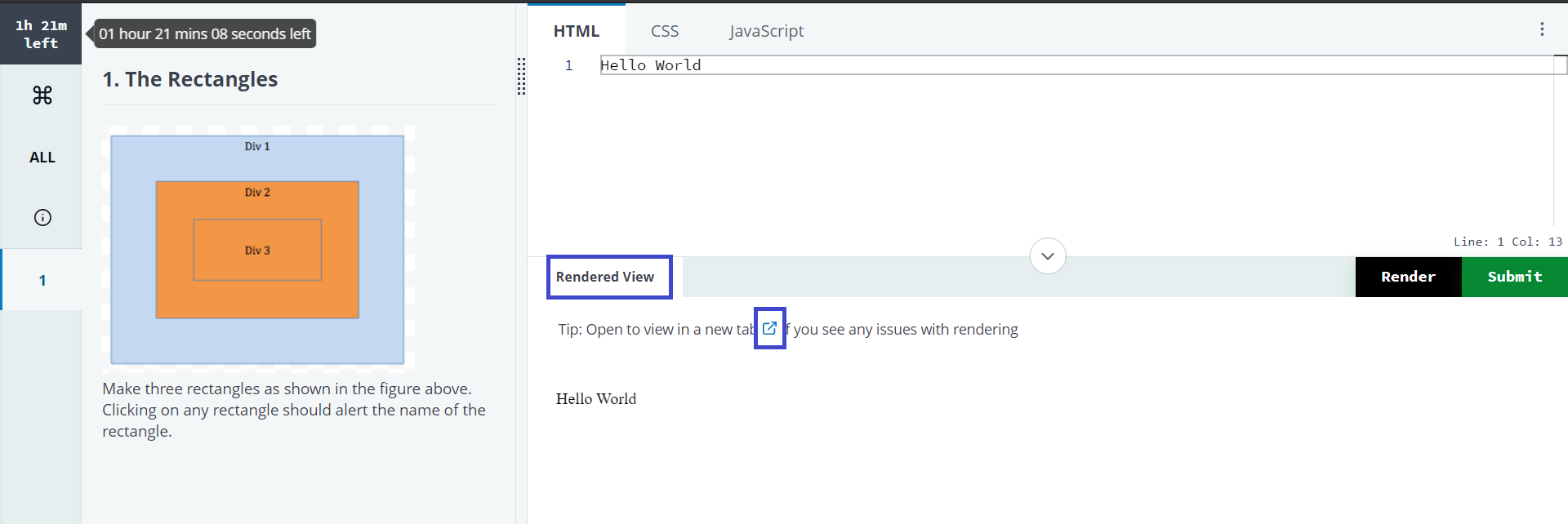
Click Submit to submit the solution. You can revisit this question, change your submitted code and resubmit the answer any number of times by clicking on Modify before the Test ends.
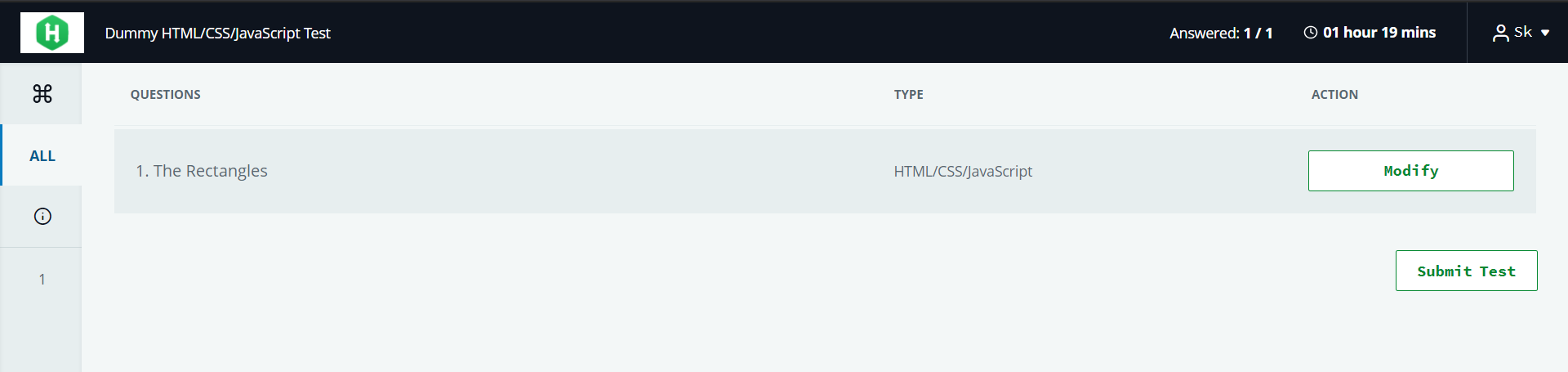
Note: Your test setter may organize the questions across different sections in the Test, and these sections can have specific time limits to complete and submit the answers. In some cases, if the time allocated for a section has elapsed or you have already submitted the answer, you will not be allowed to change the answer submission.
See the following topics for detailed information: