Introduction to HackerRank Interviews
Last updated: August 27, 2026
HackerRank Interviews is a live technical interview platform that provides a shared environment where you can communicate with interviewers, complete technical tasks, and discuss your approach.
You can try the following sample interview links to become familiar with the platform:
Note:
Depending on the hiring company, your interview opens in one of the experiences listed above.
Open the interview link in an incognito window or a browser where you are not logged in to a HackerRank account.
For information about preparing your system and environment, see 📄 Interview Preparation Checklist for Candidates.
Joining an Interview
To join a HackerRank Interview:
Click the interview link you received from the hiring company.
Wait while the system automatically checks your browser, window size, and device compatibility. Click See fix if an issue appears to view the recommended solution.
In the Join as a Candidate page, enter your name in the Candidate name field and your email address in the Candidate email address field.
Read the Candidate Interview Guidelines displayed on the right side of the screen.
Click Continue.
Complete the setup that matches your Interview experience.
New Interview Experience
In the Permissions section:
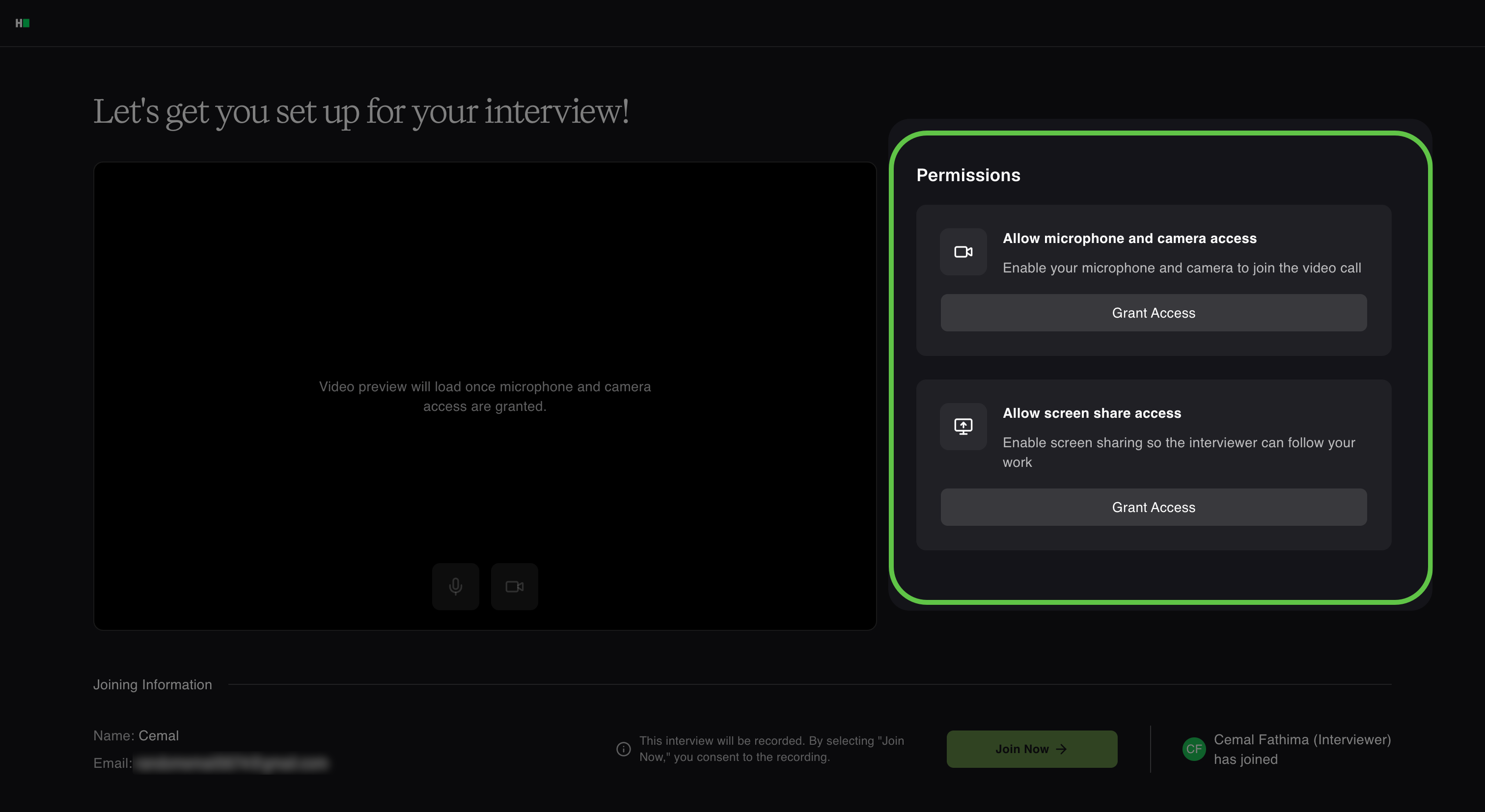
In Allow microphone and camera access, click Grant Access to enable your microphone and camera. You can select a different device from the corresponding drop-down list, if necessary.
In Allow screen share access, click Grant Access to share your screen with the interviewer.
Check the camera preview to confirm that your camera works.
Legacy Interview Experience
In the setup interview page:
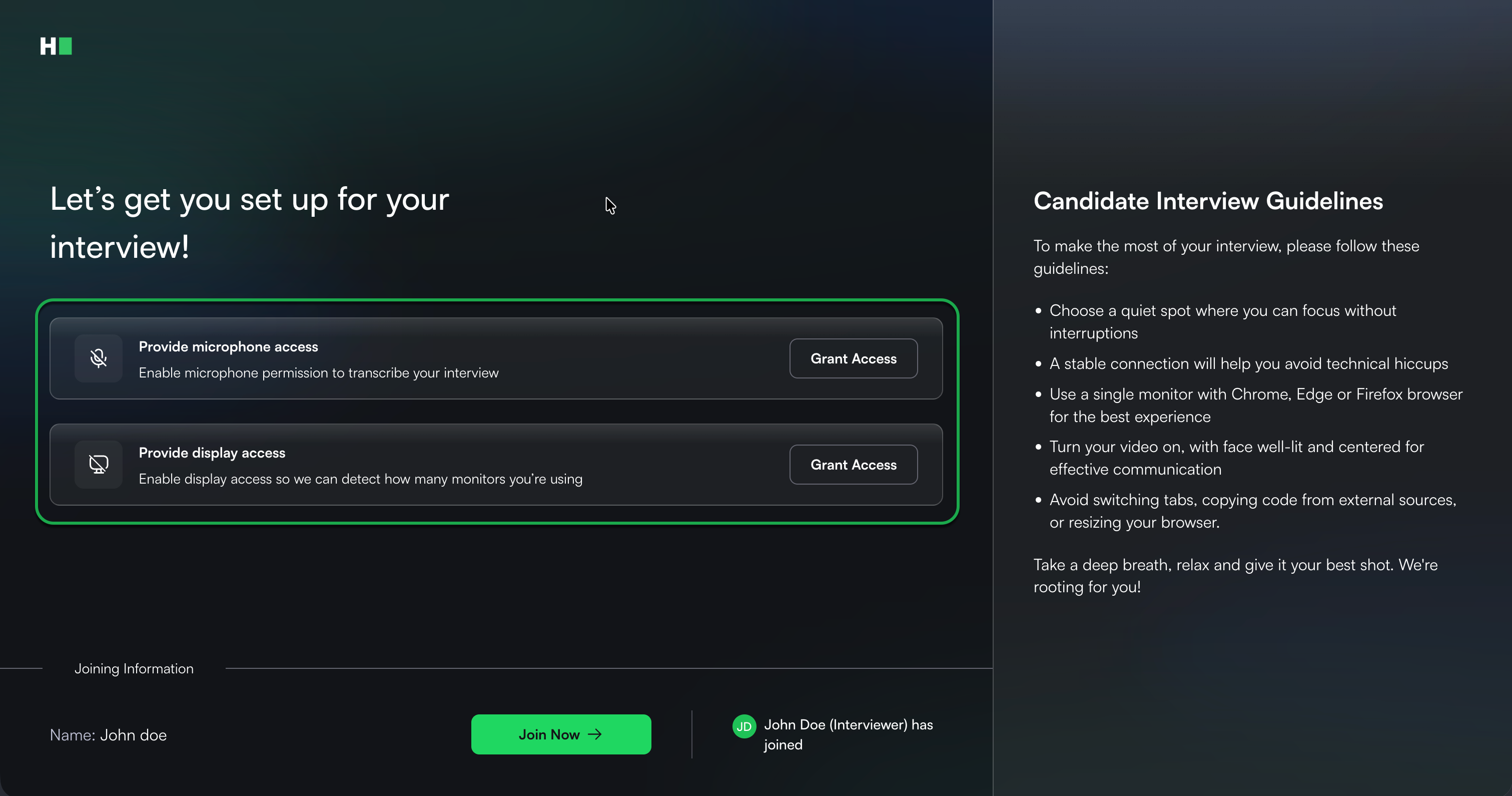
In Provide microphone access, click Grant Access to record your audio for transcription.
In Provide display access, click Grant Access to detect the number of screens connected to your device.
Click Join Now.
Wait in the virtual lobby.
The interview starts when the interviewer admits you.